The Vendor Lock-in Myth vs. the Version Lock-in Reality
You think you're free because you're using Open Source. In reality, you're likely stuck in a version of software from three years ago.

Key Takeaways
- Version Lock-in Is the Real Threat: While universities fear vendor lock-in with SaaS, the actual danger is version lock-in, where organizations get trapped in outdated open source software versions because updating costs more than available resources allow.
- The Drupal Trap: 29.6% of Drupal sites still run the end-of-life Drupal 7 (W3Techs, September 2026), and migrating to Drupal 10 is not an update but a complete rebuild costing, based on our own implementations, $200,000-$350,000.
- Autonomy vs. Freedom: Open source gives technical autonomy (source code access), but a specialized SaaS model delivers operational freedom, with automatic updates and continuous evolution without touching a single line of code.
The most common argument in any technology meeting is always the same: “We need Open Source to avoid vendor lock-in.” It’s a mantra that sounds reasonable. Nobody wants to depend on a single provider that can raise prices, change features, or simply disappear.
However, there is a major flaw in this logic: it completely ignores what actually happens after the software is installed.
The Control Paradox
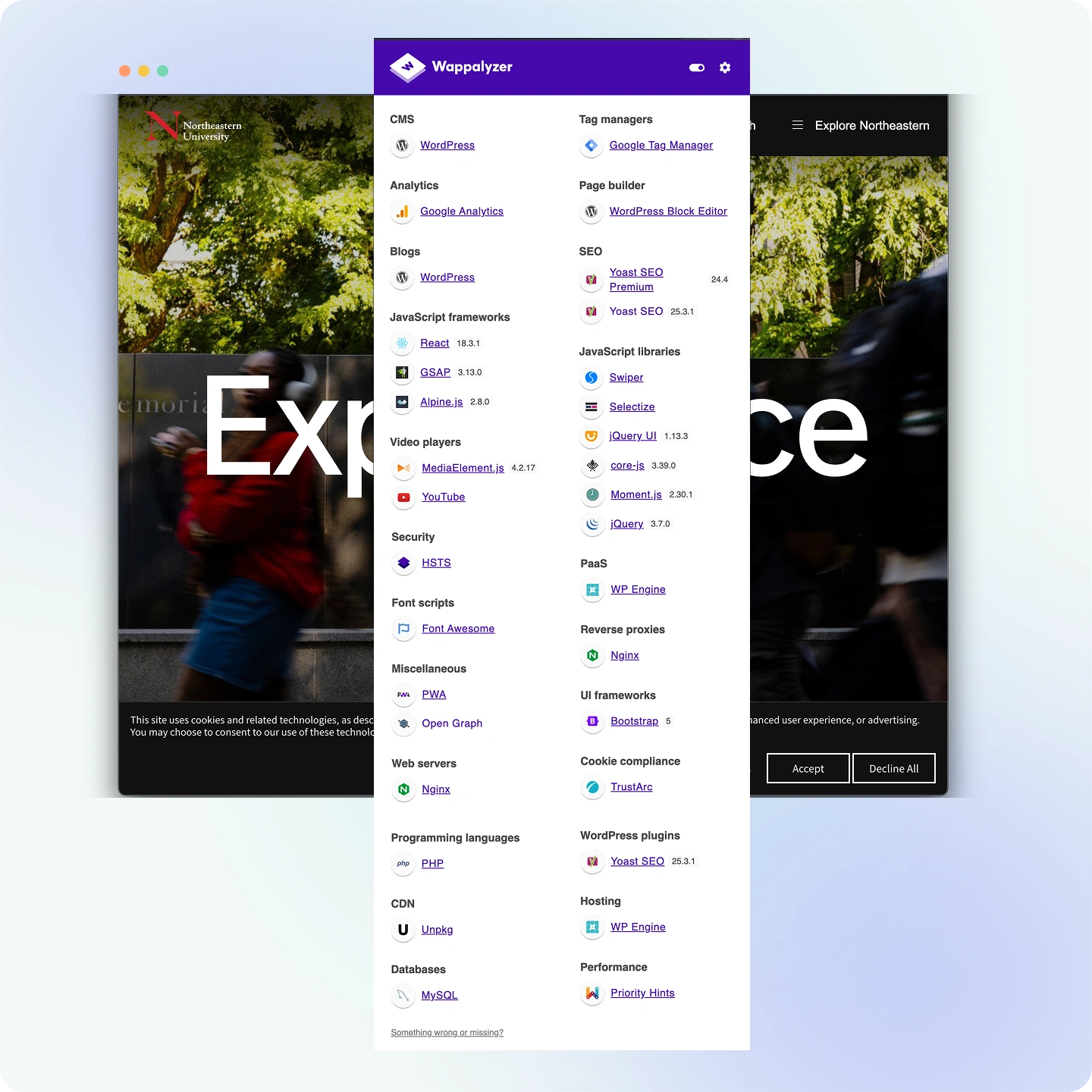
Let’s look at what is happening in the higher education market. Drupal.org claims that 70% of the world’s leading universities have chosen it — a figure from the project itself, with no public methodology behind it, and one that coexists with contradictory versions inside its own ecosystem. WordPress powers more than 40% of the entire web. These are platforms with massive communities, endless documentation, and, in theory, total freedom to change the code.
Yet, when we visit institutions that have used these platforms for years, we see the same pattern over and over:
- CMS versions from 3 to 5 years ago that “cannot be updated.”
- Critical plugins that are no longer supported but are still running.
- Custom themes that no one dares to touch for fear of breaking the site.
- IT teams spending all their time just trying to keep things running instead of innovating.
- Multiple versions of the same CMS scattered across the organization with no central control.
Does this sound familiar? This isn’t vendor lock-in. It is version lock-in, and it is much more dangerous because most people don’t realize it’s a problem until it’s too late.
What is Version Lock-in?
Version lock-in happens when an organization gets trapped in an old version of software because the cost and risk of updating are higher than the resources available to do it. In the world of Open Source, this problem is much bigger than most people are willing to admit.
The Drupal Case: When “Updating” Means “Starting Over”
Drupal is the perfect example of version lock-in. On January 5, 2025, Drupal 7 officially reached its “End of Life.” After 14 years, the version that was the gold standard for universities stopped receiving official security updates.
The problem is that, as of September 2026, 29.6% of all Drupal sites in the world are still running Drupal 7 (W3Techs). That means almost one in three is still operating without official security support, eighteen months after end of life.
Here is the part nobody mentions in sales pitches: moving from Drupal 7 to Drupal 10 or 11 isn’t an update. It’s a total reconstruction. Because the architecture changed so much, the process requires you to:
- Build a brand new site from scratch.
- Manually migrate all content.
- Rebuild every custom module and theme.
- Reconfigure every integration.
In simple terms, it’s like being told that to “update” your car, you have to buy a new one and manually move over every single part you want to keep. This is why many universities are still planning migrations to Drupal 10 even though Drupal 11 is already out. What started as a choice for “control” has become a trap that requires a massive investment to escape.
If Drupal is the platform on your table, we’ve broken down its real cost, deployment model and academic integrations in the full Griddo vs. Drupal comparison.
The Hidden Cost of Infrastructure
Version lock-in isn’t just a technical headache: it’s an economic one too. Because of its complex design, Drupal has much higher infrastructure requirements than other options. In real-world projects, we see costs like:
- Enterprise Hosting: Between $2,000 and $5,000 per month.
- Specialized Staff: Typically 3 to 5 dedicated developers.
- Developer Rates: Between $60 and $80 per hour.
When you add these costs up over five years, the total cost for a medium-sized university sits between $1.95 and $2.25 million, based on our own implementations. “Free” software turns out to be incredibly expensive once you calculate the actual cost of running it.
WordPress: A Different Kind of Trap
In the WordPress world, the problem looks a bit different but leads to the same result.
The Plugin Waterfall: A typical university site has 15 to 30 active plugins. Each one has its own update cycle. When you update the main WordPress software, you have to check every single plugin for compatibility. If one critical plugin breaks, most teams simply choose not to update the whole site.
The Custom Theme Problem: If you spent $50,000 on a custom theme four years ago, that code was built for a specific version. Updating it often means rewriting it.
The Invisible Debt: Every month you go without updating, the gap between your version and the current one grows. What should have been a weekend task becomes a six-month migration project.
We break down WordPress’s real enterprise cost —and why WordPress VIP stopped publishing pricing— in the Griddo vs. WordPress comparison.
The Case That Changed Everything: WP Engine vs. Automattic
In late 2024, the WordPress world faced a massive crisis. The co-creator of WordPress and CEO of Automattic launched a public campaign against WP Engine, one of the largest hosting providers.
This fight escalated quickly:
- Access to updates was blocked for thousands of sites.
- Legal battles broke out over “abuse of power.”
- A popular plugin was forcibly taken over and renamed without user consent.
What does this mean for a university? It means the “ownerless” platform actually has a very powerful player who can block your access to critical security updates to win a business argument.
When end-of-support has a list price
There’s a variant of the problem that forces no rebuild at all, just payment. TYPO3 supports each LTS version free of charge for three years; after that, continuing to receive security patches requires an ELTS subscription, between €2,800 and €3,200 a year.
It’s the version cycle turned into a subscription: either you plan the major migration every three years, or you take on indefinite maintenance for software whose licence costs nothing. It’s broken down in the Griddo vs. TYPO3 comparison.
There’s a third, subtler variant that shows up inside a single platform. Liferay offers three modes under the same contract — SaaS, PaaS and self-hosted — but in SaaS, the most managed one, OSGi is not permitted: only Client Extensions. In other words, the mode that removes the burden of running the infrastructure is also the one that curtails the extensibility that justified choosing Liferay in the first place. Moving between a single vendor’s own lanes has a price too, and it’s detailed in the Griddo vs. Liferay comparison.
It’s not just an open source problem
It would be convenient to conclude that version debt is a free-software problem. It isn’t. In 2022, a customer of Terminalfour —a proprietary CMS with thirty years in higher education— published a review complaining of three-hour publishing times. The founder and CEO replied publicly that this customer was “15 versions behind”.
It’s a reasonable defence of the product, and probably true. But it concedes, in the vendor’s own words, that a real customer can accumulate fifteen versions of drift and still be in production. The licence changes; the mechanism doesn’t. We break it down in the Griddo vs. Terminalfour comparison.
Autonomy vs. Freedom
There is a big difference between these two concepts. Autonomy means having the source code and your own server. Freedom means being able to launch a new marketing campaign in two hours without waiting for IT.
Open Source gives you autonomy, but it comes with a heavy workload that actually reduces your operational freedom.
Think of it like a car. Autonomy is having the tools and the manual to fix the engine yourself. Freedom is being able to drive wherever you want without worrying about the engine at all.
A Better Way to Think About the Problem
The debate shouldn’t be “Open Source vs. SaaS.” The real question is: who handles the workload?
In an Open Source model, the workload is yours. Every update, every security patch, and every migration is your responsibility. In a specialized SaaS model, that workload belongs to the provider. Updates happen automatically and the platform evolves constantly without you touching a single line of code.
Yes, there is a dependency on the provider, but that risk can be managed with a good contract. The risk of version lock-in, however, grows slowly until it becomes a structural disaster.
Next time someone brings up “vendor lock-in,” ask them: When was the last time we actually updated to the latest version? How much would it cost us to migrate today if we had to? The answers might be more uncomfortable than any SaaS contract.
In our next article, we will take a deep dive into the hidden costs of “free” software and why the real cost of Open Source is usually double what you expected.